How to Organize Cables in Your Home Office
Working from home? Then you're probably familiar with the challenge of cables everywhere - from your computer, monitor, lamp, charger, and all the other devices necessary for a modern home office.
Cable clutter doesn't just look messy, it can also be a safety hazard and make it difficult to keep your workspace clean and professional.
Why is Cable Management Important?
Good cable management is about more than just aesthetics. Here are the most important reasons to get your cables under control:
- Safety: Loose cables can be a tripping hazard and in the worst case cause fires
- Productivity: A tidy desk leads to a tidy mind
- Longevity: Protected cables last longer and break less often
- Professionalism: Important if you have video meetings or clients visiting
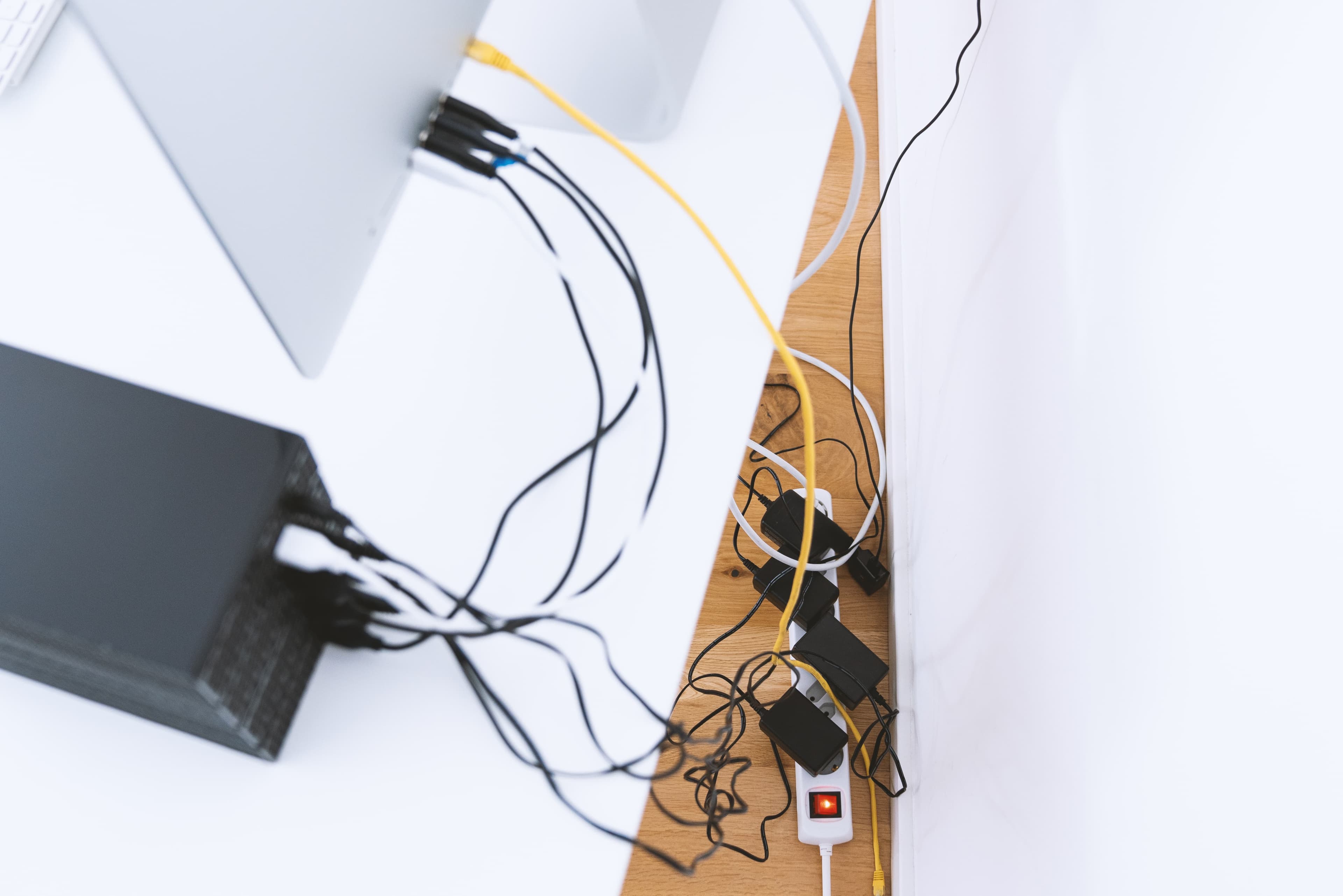
Messy home office with cables everywhere
Step 1: Create an Overview
Before you start organizing, you need to get an overview of which cables you have:
- Pull out all cables and lay them on the desk
- Identify each cable and its purpose
- Remove cables you no longer use
- Group cables that belong together
Step 2: Protect and Bundle Cables
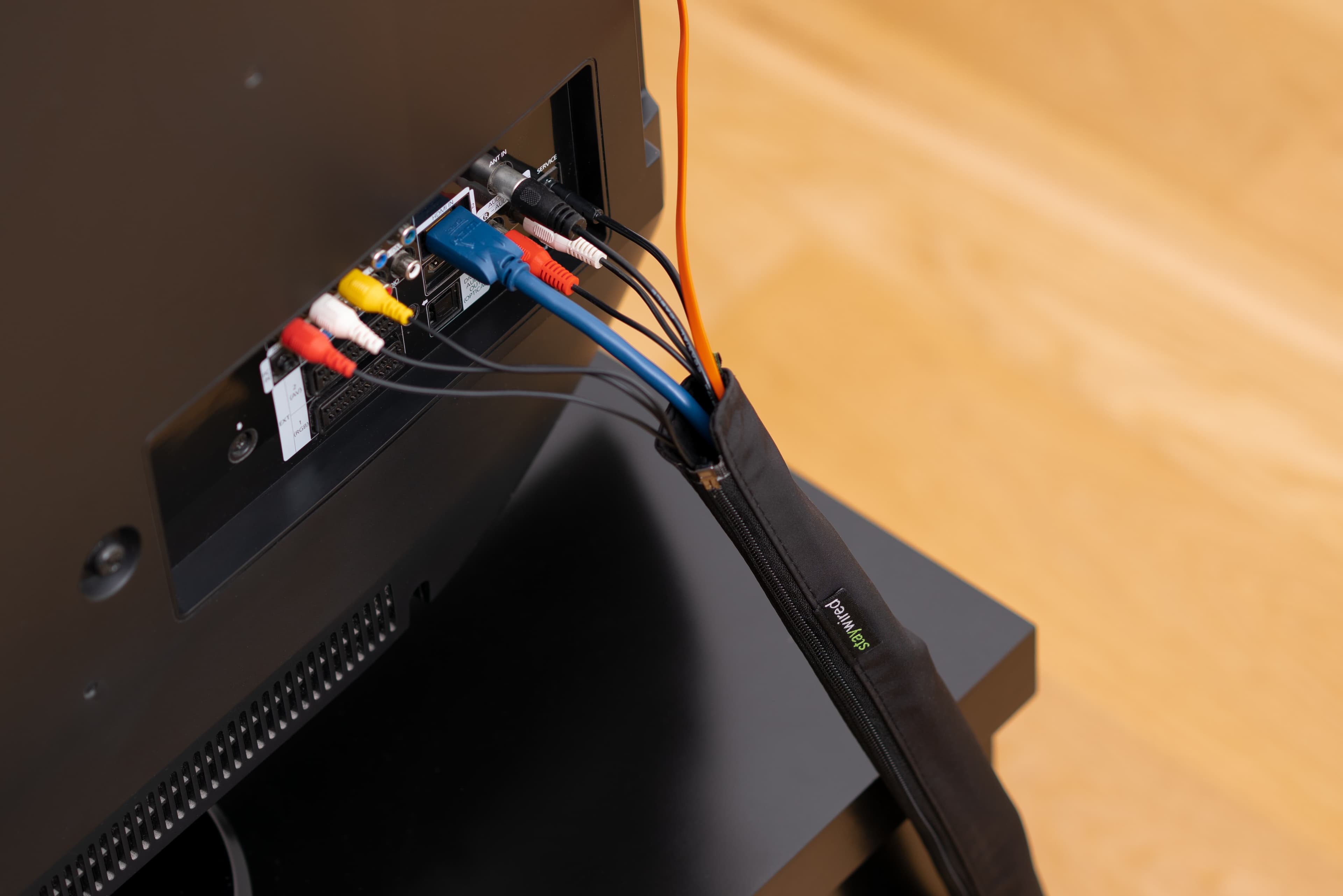
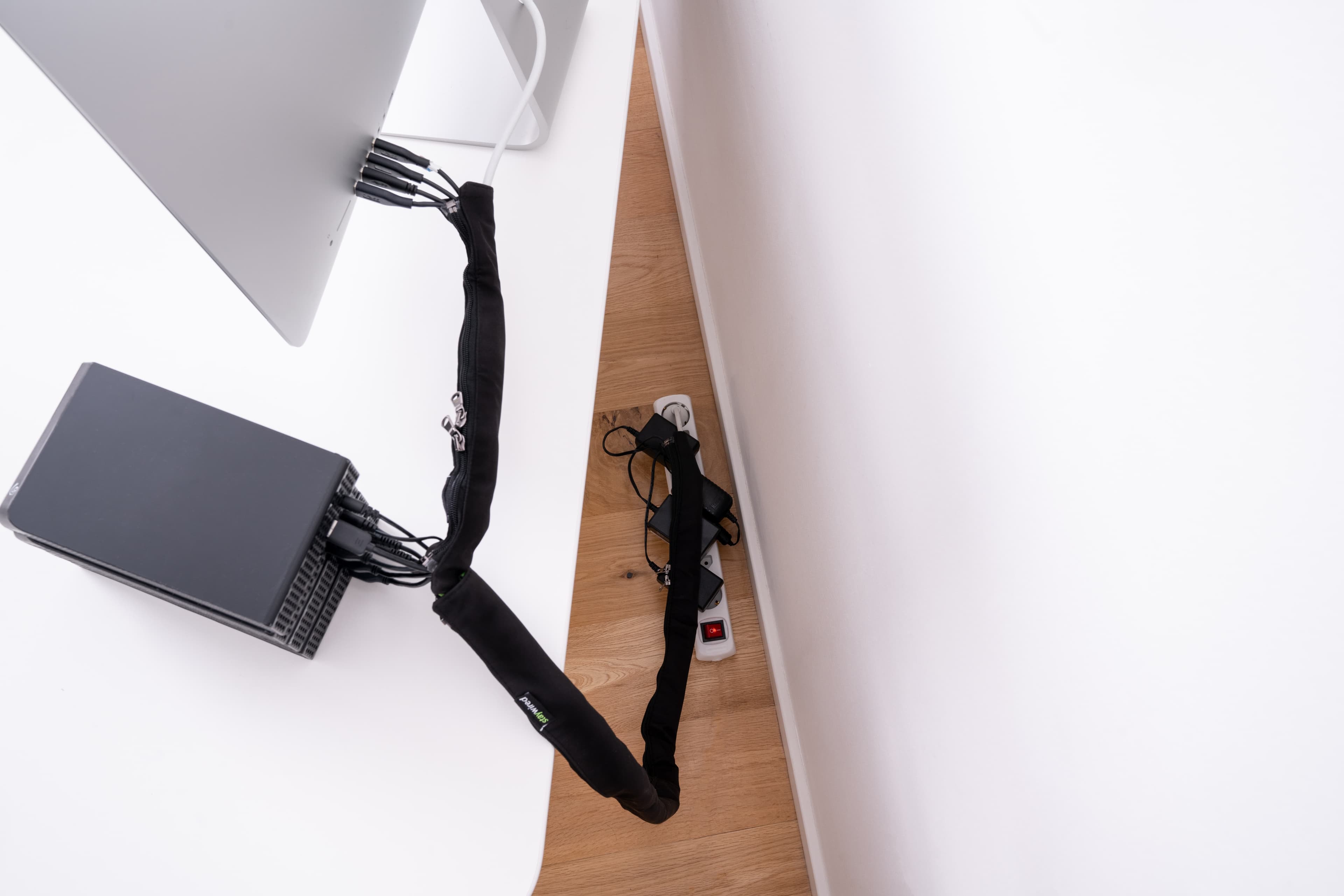
Now that you have an overview, it's time to protect your cables. Here we recommend using textile cable sleeves:
- Bundles multiple cables in one elegant solution
- Protects against wear and tear
- Can be washed and reused
- Danish design in discreet colors
Pro tip: Use Staywired Pro Flex for longer runs from the desk to the outlet, and Start Package for smaller areas near the computer.
Step 3: Secure Cables Under the Desk
A common problem is cables hanging down from the desk. The solution is simple:
- Use clips or tape to secure cables under the desktop
- Route cables along the desk legs down to the floor
- Hide power strips and extension cords behind furniture
Step 4: Handle Excess Cable Length
Do you have cables that are too long? Here are some solutions:
- Roll up excess length and hide it in a cable sleeve
- Use cable ties to keep rolled cable in place
- Consider shorter cables for devices close to the outlet
Step 5: Maintain Your System
Cable management is not a one-time task. To keep your home office tidy:
- Review your setup every 3 months
- Remove cables from devices you no longer use
- Add new devices in an organized way
- Clean your cable sleeves regularly
Before and After
Many of our customers experience a dramatic transformation when they get their cables under control. From a messy, chaotic desk to a clean, professional workspace.
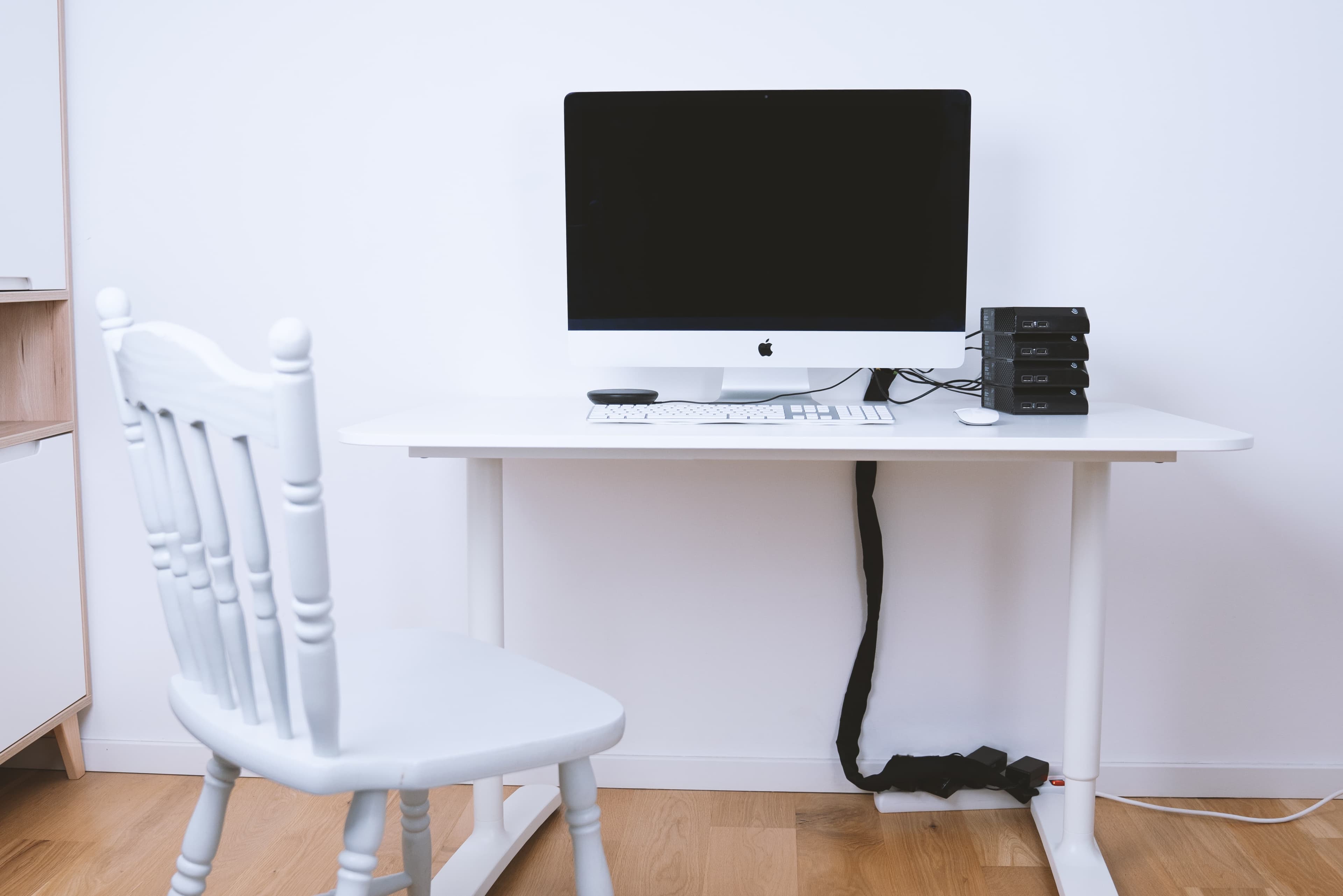
Organized home office with neat cables
It typically takes 30-60 minutes to organize an average home office, and the result lasts for years with minimal maintenance.
Conclusion
A well-organized home office starts with good cable management. By following these simple steps you can:
- ✅ Eliminate cable clutter
- ✅ Improve safety
- ✅ Increase your productivity
- ✅ Create a professional work environment
Ready to get your cables under control? See our products and find the solution that fits your home office.
Have questions? Feel free to contact us at hello@staywired.dk - we'll help you find the right solution.